Automatic snake · Focus & breaks
Let your focus
grow.
Choose a map and a pace, then let the pixel snake find its way. No steering needed. A quiet companion for reading, thinking, and a break when the round ends.
iPhone & iPad · iOS 17 / iPadOS 17 or later
SNAKEFOCUS / 01
Choose a pace.
Let the snake take it from there.
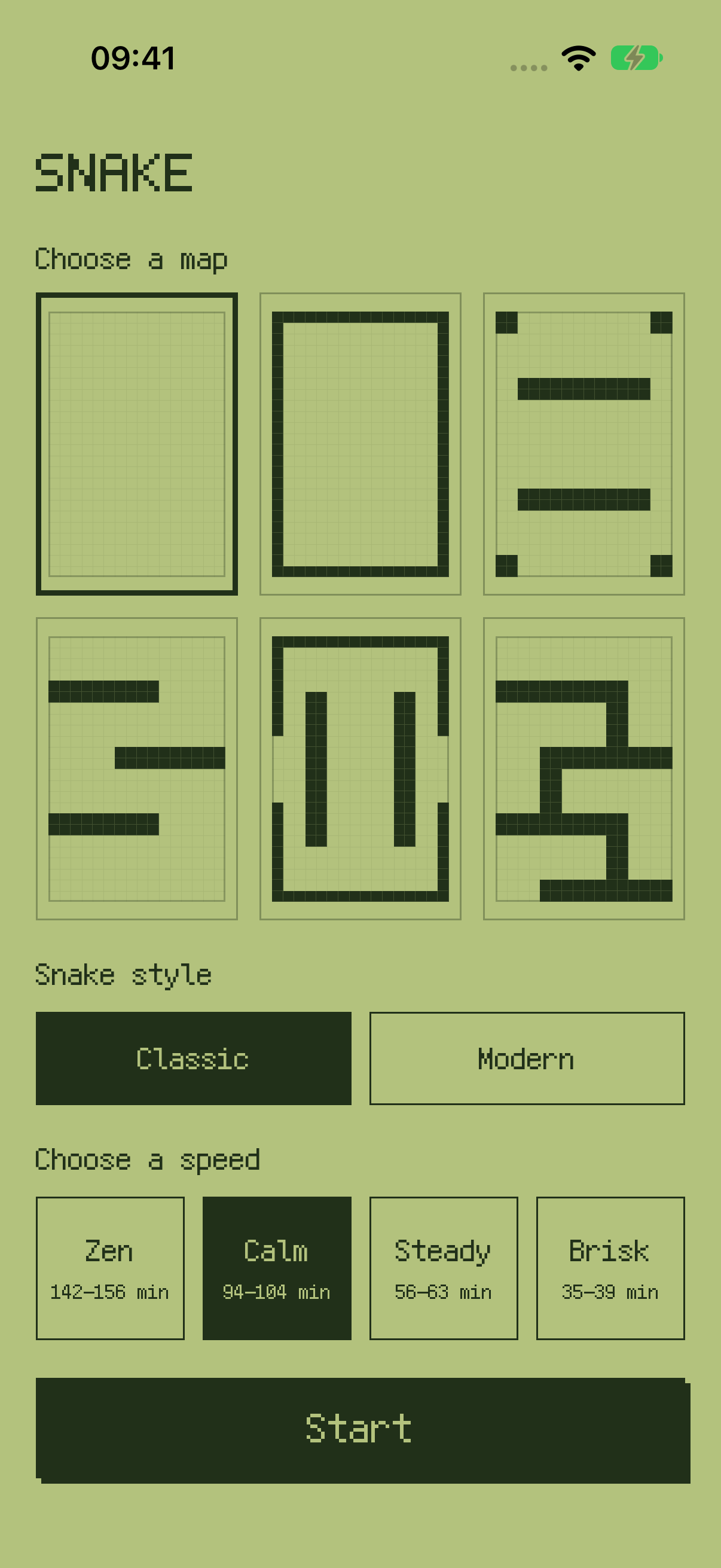
From an open field to connected channels, each map offers a different route. Pick Classic or Modern, then choose Zen, Calm, Steady, or Brisk. Check a simulation-based duration estimate before you start.
Find its own way
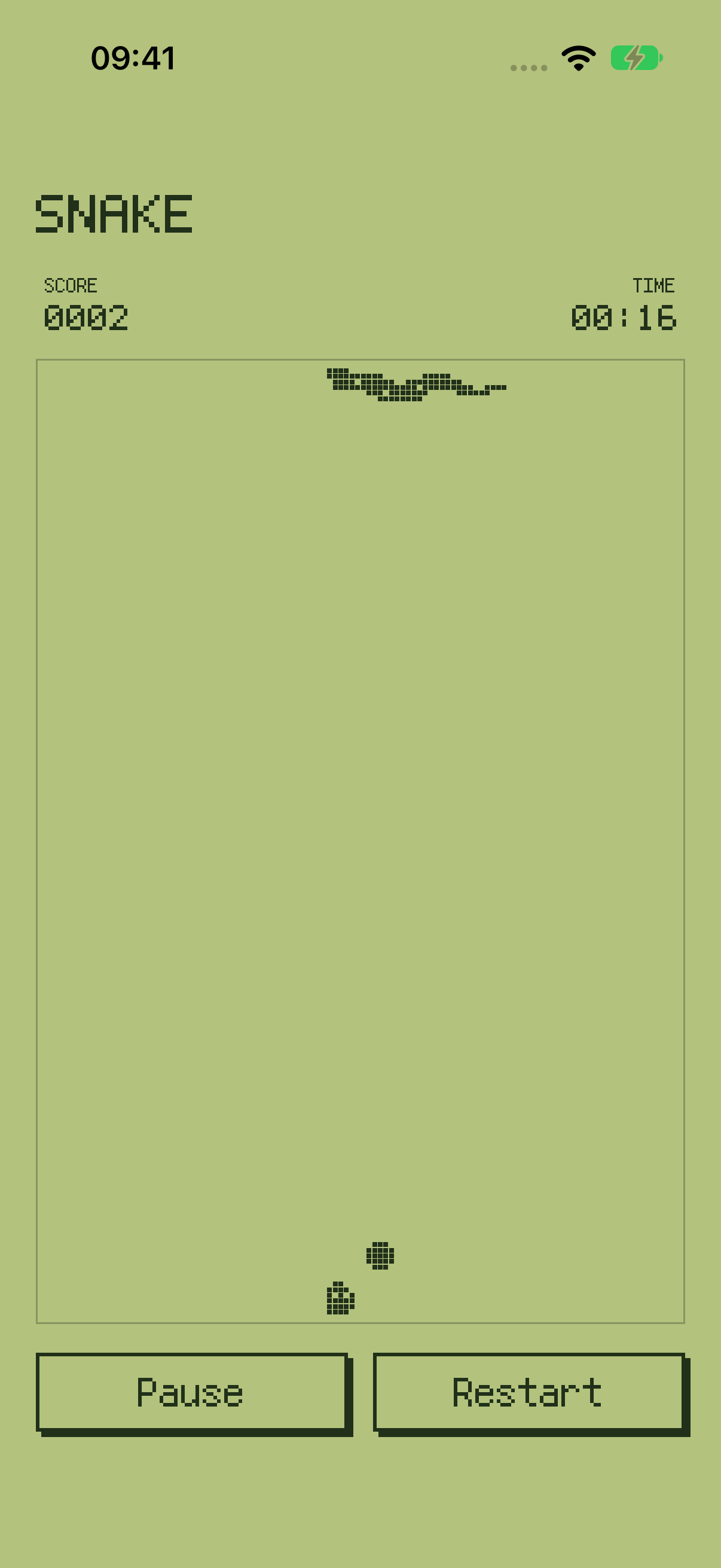
The snake searches for food and grows automatically. No directional controls or swipes are needed.
Pause when you need to
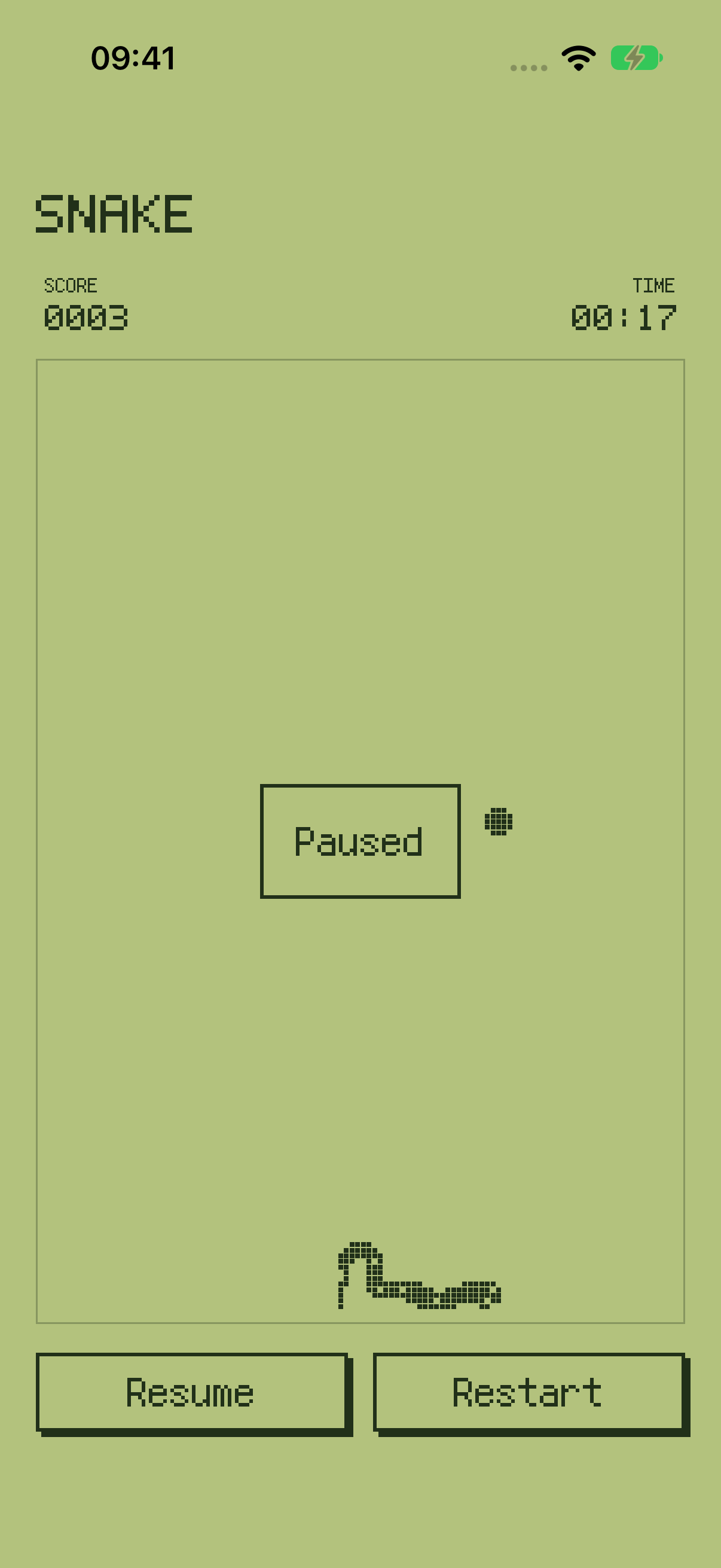
See your score and elapsed time. Pause or resume at any time, and confirm a restart before returning to setup.
A moment to take a break
Once the snake fills the playable cells, an in-app message suggests standing up and looking into the distance.
A simple interface.
A pace of your own.
Good to know
Core features work offline with no account, ads, in-app purchases, or subscriptions. Keep the app in the foreground; moving to the background pauses it. Estimates are simulation ranges, not fixed countdowns. Progress is not saved after the process ends. Break messages appear inside the app only.
A little quiet company for your next stretch of focus.
Find instructions, common questions, and troubleshooting on the support page.